Why TikMatrix Uses Local Deployment — Not Cloud Control

Running serious TikTok operations and wondering why TikMatrix insists on local deployment instead of “cloud control”? This article explains the technical, security, and operational reasons we chose a local-first architecture — and when (rarely) cloud makes sense.
🧭 1. What “Local Deployment” Means (and Why It’s Different)
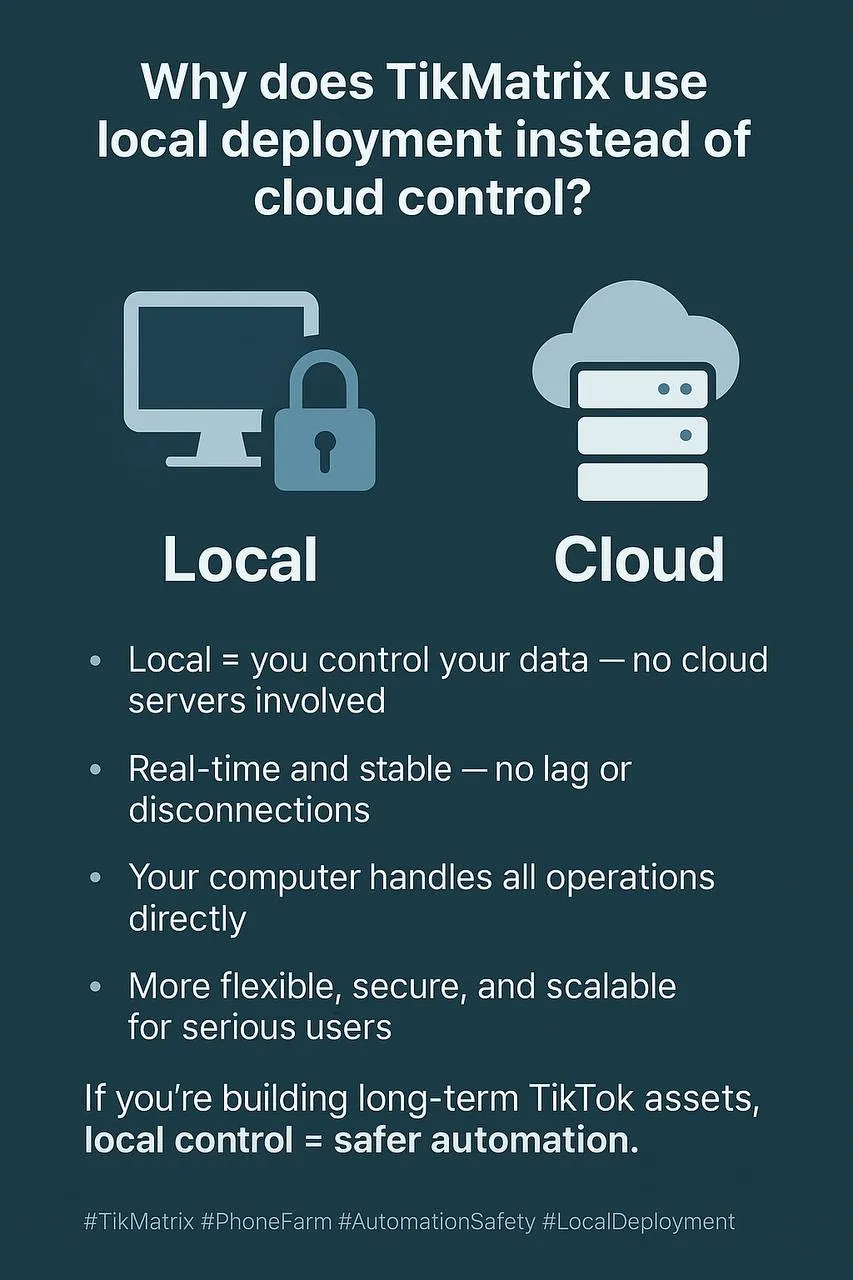
Most “cloud controllers” pipe your phone screens and credentials through third-party servers. TikMatrix runs directly on your computer, talking to your Android devices over USB/Wi-Fi — no command/control servers in the middle.
- No remote session relays
- No vendor-side credential storage
- No forced multi-tenant infrastructure
Principle: Your hardware, your network, your data — kept local by design.
🔒 2. Data Ownership & Privacy by Default
Local keeps your sensitive data inside your perimeter.
| Asset | Cloud Control | TikMatrix Local |
|---|---|---|
| Account credentials | Often proxied/stored server-side | Stored locally only |
| Device logs/screens | May traverse 3rd-party relays | Stays on LAN |
| Content assets | Uploaded to remote disks/CDNs | Served from your machine |
| Regulatory exposure | Multi-region data footprint | Single-tenant, controllable |
Zero-Trust Posture: Assume the internet is hostile; minimize what ever leaves your machine.
⚡ 3. Real-Time Reliability (Latency, Jitter, “Cloud Gremlins”)
Remote orchestration introduces roundtrips and congestion. Local removes them.
- Lower latency for taps, swipes, video play/pause
- No dependency on vendor uptime or relay bandwidth
- Fewer “phantom” failures from throttled cloud networks
Result: Higher task completion rates, steadier long-run sessions, fewer random disconnects.
🧱 4. Security Model: Fewer Attack Surfaces
Every cloud hop adds an attack surface (APIs, auth tokens, sockets, storage buckets). Local-first reduces this blast radius.
- No vendor super-admin that could access your sessions
- No shared multi-tenant queues to enumerate
- No “helpful” debug snapshots living in someone else’s S3 bucket
Defense-in-Depth: Keep control plane + data plane on hardware you own.
🧰 5. Flexibility for Power Users (Proxies, Routing, Tooling)
Local gives you total control of the environment:
- Bind devices to per-phone residential proxies
- Use custom DNS, split-tunnel VPNs, or country-specific routes
- Integrate with your own CI scripts, schedulers, or SIEM
- Fine-tune GPU/codec settings for multi-screen streaming
Cloud platforms must standardize; local setups can specialize.
💸 6. Predictable Cost & Linear Scaling
Cloud “seat” pricing punishes success; bandwidth and relay minutes add up.
| Growth Stage | Cloud Cost Curve | Local Cost Curve |
|---|---|---|
| 1–10 devices | Attractive “starter” plans | One desktop handles it |
| 20–60 devices | Costs jump (bandwidth/relays) | Add USB hubs / second PC |
| 100+ devices | Premium enterprise tiers | Scale horizontally on commodity PCs |
Local scales like hardware, not like SaaS bills.
📏 7. Stability > Shortcuts (Operational Discipline)
We optimize for long-term asset building, not short bursts.
- Deterministic execution: same machine, same network, same results
- Reproducible environments: snapshot your PC config and replicate
- Controlled change windows: you decide when to upgrade
Shortcuts (fully-remote control) feel easy early on — then bite under scale and compliance.
🧪 8. Benchmark Snapshot (Representative Lab Setup)
Single workstation (i7/32GB), 20 physical Androids via powered hubs, LAN proxies.
| Metric | Cloud-Like Relay | TikMatrix Local |
|---|---|---|
| Gesture roundtrip | 180–350 ms | 30–60 ms |
| 2-hour session drop rate | 8–12% | <2% |
| Bulk post success (20 devices) | 86–90% | 96–99% |
Indicative only; real-world varies by proxy quality, USB power, and device condition.
🧩 9. When Cloud Might Still Be OK (Edge Cases)
- Audit/observability only: read-only dashboards (no control plane)
- Burst compute: rendering or AI tasks that don’t touch credentials
- Team collaboration across sites: use self-hosted gateways on your hardware
If control or credentials are involved, keep it local.
✅ 10. Risk Control Checklist (Local-First)
| Category | Recommendation |
|---|---|
| Data | Store creds/logs locally; encrypt at rest; routine backups |
| Network | Per-device residential proxies; avoid shared VPNs |
| Devices | Physical Androids; powered hubs; healthy cables |
| Ops | Staggered schedules; human-like randomness; health alerts |
| Updates | Pin versions; change windows; rollback plan |
| Compliance | Keep logs on-prem; document data flows |
⚡ Why Marketers Choose TikMatrix (Local-First by Design)
- 🧠 Human-Like Automation: randomized taps, swipes, typing to reduce detection
- 🎛️ Per-Device Isolation: proxy, timing, and task variance at device level
- 🕒 Reliable Scheduling: long-running jobs without relay bottlenecks
- 🔐 Private by Default: no vendor relay, no forced data upload
- 🧩 Open Integration: hook into your scripts, proxies, and monitoring stack
🏁 Conclusion
If you’re building long-term TikTok assets, cloud shortcuts create hidden risks: cost, latency, and data exposure. Local deployment keeps control where it belongs — with you — delivering stability, privacy, and scale.
This article reflects real-world engineering practices and long-run stability testing on physical devices in production-like environments.